WizardForge Suite
WizardDraw, WizardCAD, WizardMasteryCanvas and WizardRas together, on the same computers, under one subscription.
From AI vision to a physical 3D print: vector and raster design, CAD, and games with a tactical AI coach. Private, on your PC.
🎮 Play free in your browser ⬇ Try the apps free for 7 daysDesktop apps for Windows 10/11. Open this site on your PC to download them.
Try today's Sudoku and look at the chess sets in your browser, no install and no sign-up.
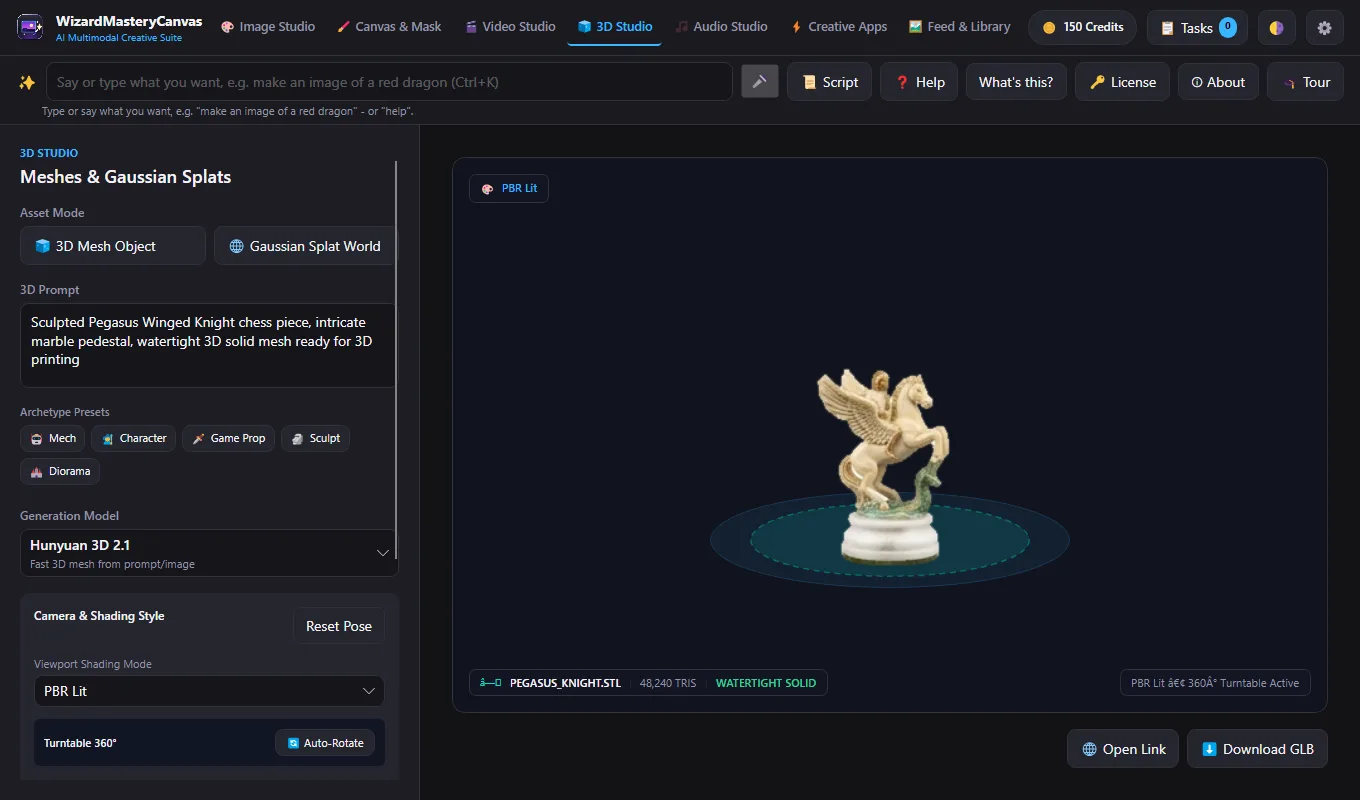
🎮 Open the free gamesGenerate concepts, artwork and 3D meshes from text prompts. Inpaint on a layered canvas or pose 3D mannequins.
Paint and retouch with 24 tools and 16 blend modes, then make normal maps and seamless tiles.
Trace rasters into clean curves. Logos, type on paths and print-ready CMYK separations.
Exact solid geometry. Shell, check clearances and export watertight STL/OBJ for your 3D printer.
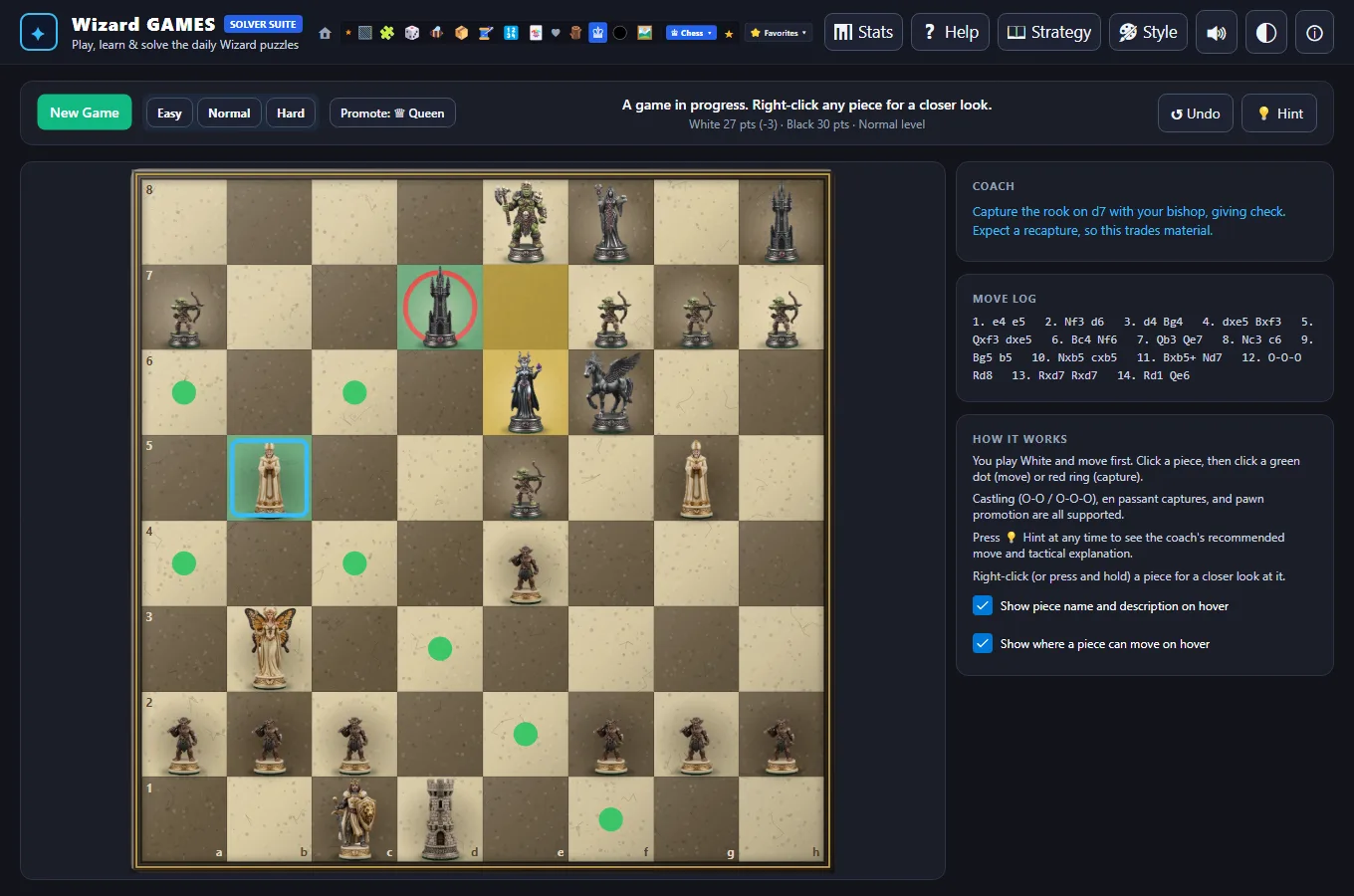
Hold your printed piece, or play 13 sculpted piece sets against a tactical AI coach.
Hover a tool in WizardDraw, press Show Me, and the app draws it on your canvas so you learn by watching.
Lessons inspect your real document or CAD model and a Do it for me button demonstrates the fix.
Say "Extrude 25 mm" or "Make it black and white". It runs on your PC with no cloud and no token cost.
Warns you of forks and skewers, suggests candidate moves and explains the reasoning.
Crafted through the 5-app pipeline
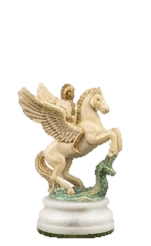
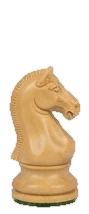
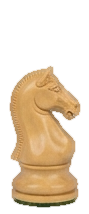
Pick a chess piece or wizard and watch how 2D artwork is simplified, extruded into a solid CAD model, and sliced for 3D printing.
We start with the high-resolution 2D character artwork taken from the website. In WizardCAD, the image is loaded onto a calibrated XY sketch plane, scaled to exact physical dimensions (Height: 65.0 mm), and anchored with planar coordinate crosshairs for vector contour tracing.
Drag the divider slider to see how WizardForge software simplifies raw artwork pixels into smooth, watertight parametric geometry ready for CAD extrusion.
See how the WizardForge tools cooperate seamlessly to turn a prompt into a physical product or playable game.
We begin by loading the user's high-resolution reference image. The image is calibrated on an engineering coordinate grid, scaled to exact physical proportions, and prepared for foreground subject extraction.
Generate concepts, character artwork, and 3D meshes using natural text prompts. Inpaint and mask on a layered canvas, or pose 3D mannequins.
Paint and retouch with 24 tools, 16 blend modes, infinite wraparound, 16-way radial symmetry, and generate normal maps and seamless tiles for 3D surfaces.
Trace rasters into clean, scalable vector curves. Design logos, typography on paths, precision decals, and print-ready CMYK separations.
Build exact boundary-representation solid geometry. Shell for hollow weight, verify clearances, and export watertight STL/OBJ files for 3D printing.
Hold your physical 3D printed piece in your hand, or play with 13 custom sculpted piece sets against an AI tactical coach with strategic hints.
You don't need a degree in CAD or digital illustration. WizardForge acts as your patient mentor, showing you how things work at every step.
Hover over any tool in WizardDraw and a card appears with a Show Me button. Click it, and the app drives the cursor and demonstrates the tool live on your canvas so you learn by watching.
▶ Available on every vector toolIn WizardCAD, WizardMasteryCanvas, and WizardRas, interactive lessons inspect your real document or solid CAD model. If a fillet or extrusion fails, it tells you why, and a Do it for me button steps in to demonstrate the fix.
▶ Real-time model inspectionType or speak your intent: "Extrude 25 mm", "Make it black and white", or "Select all yellow shapes". The command interpreter runs completely offline on your PC with zero cloud lag, no token cost, and absolute privacy.
▶ Built-in Windows speech engineIn WizardGames, the tactical AI coach analyzes your moves in real time, warns you of impending forks and skewers, recommends master candidate moves, and explains the strategic reasoning behind every play.
▶ Full strategic move evaluation5 individual desktop tools · try each free for 7 days, or get the complete Suite
WizardDraw, WizardCAD, WizardMasteryCanvas and WizardRas together, on the same computers, under one subscription.
Professional vector illustration, typography and print-ready output.
Solid modelling, sketches, assemblies, drawings and simulation.
Generate images, audio, video and 3D with a built-in canvas.
Layered raster editing with selections, filters, natural-language commands and scripts.
Letter Hues, Domino Zones, Sudoku and classic card and board games with hints and solvers.
Each app runs standalone or united inside the WizardForge launcher, which manages installations and your computer licenses.
Register and confirm your email. Instant access to download any 7-day trial installer.
Install on your Windows PC. Explore vector, raster, 3D CAD, generative AI, and games with zero credit card required.
Choose single apps or unlock the complete WizardForge Suite under one affordable license.